Axolotl Ballerina Pink Tutu | Kawaii | White Gloss Vinyl | Die-Cut Sticker
Couldn't load pickup availability
*** BUY 3 STICKERS GET 1 FREE ***
Our Mix & Match offer applies to single stickers only. Discount will be applied automatically at checkout.
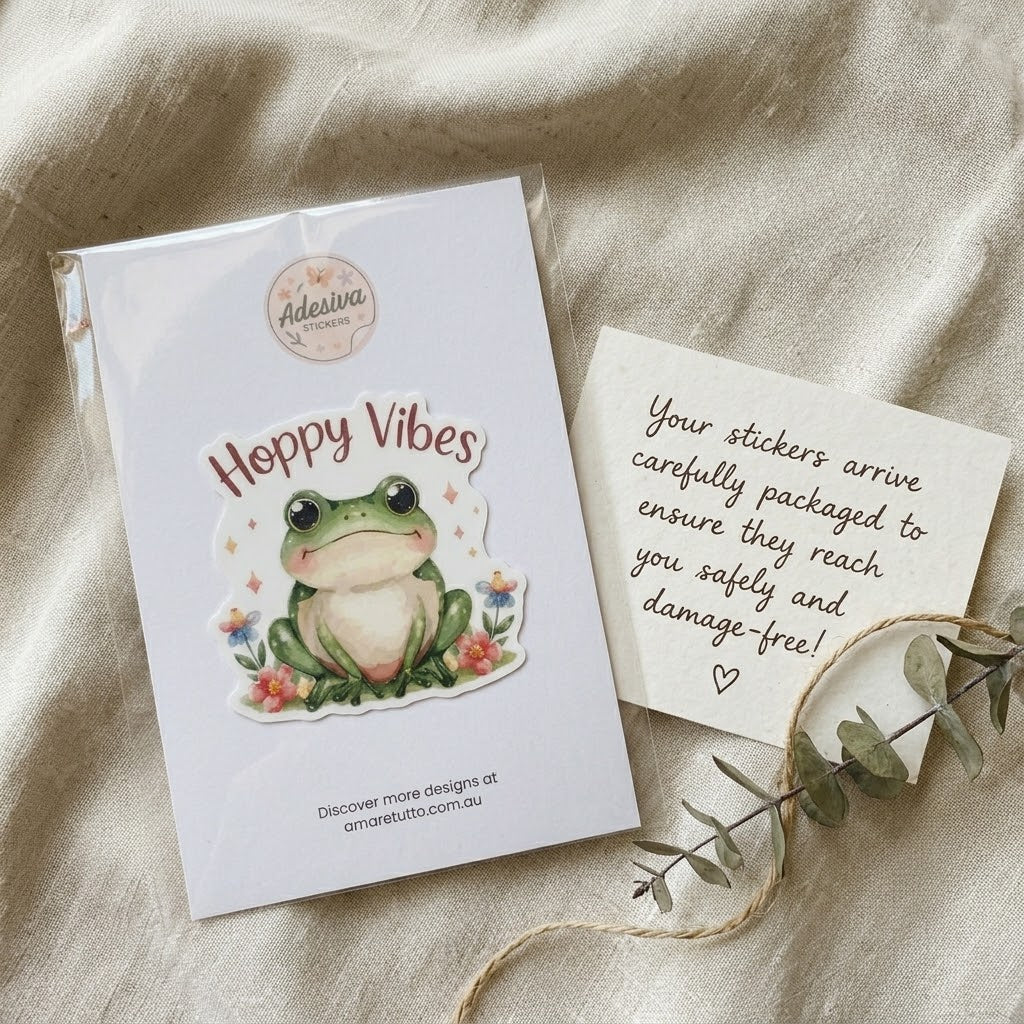
This adorable axolotl ballerina sticker features a sweet, smiling axolotl in a ruffled pink tutu with matching bows. Perfect for lovers of amphibians, ballet, and kawaii style! Printed on high-quality, water-resistant vinyl, it’s ideal for decorating your laptop, water bottle, journal, or planner with a splash of charm.
Each sticker is printed using a Canon inkjet printer on premium white glossy vinyl sticker paper for vibrant color and crisp detail. The design is then sealed with a clear glossy laminate to enhance shine and protect against wear, making it perfect for both everyday use and professional applications.
Every sticker is precision die-cut for a clean silhouette and easy peel-and-stick placement. With a permanent adhesive and durable construction, it’s ideal for personalizing everything from water bottles and laptops to planners, packaging, and craft projects.
• Sticker Paper: Premium White Gloss Vinyl
• Size: ~7 cm (≈2.75 in) on the longest side
• Finish: High-shine Gloss
• Cut Type: Die-Cut
• Water-resistant: Suitable for indoor and outdoor use
• Adhesive Type: Permanent
• Mounting: Self-Adhesive
• Reusability: Single-Use
Sticker Care Guide
Sticker Care Guide
Step 1: The Perfect Surface Prep
To ensure your dynamic new sticker forms a flawless, long-lasting bond, proper surface preparation is essential. The adhesive is strong, but it cannot stick well to oils or dust.
- Clean Thoroughly: Wipe the desired application area (laptop, journal, bottle) with isopropyl alcohol or warm, soapy water. Standard household glass cleaner is often too oily.
- Dry Completely: Use a lint-free cloth or paper towel to ensure the surface is 100% dry and free of debris.
- Apply and Set: Peel the sticker gently from its backing sheet. Apply the sticker to the clean surface starting from one edge and pressing firmly down. For large or complex designs, use a squeegee (or the edge of a credit card) to smooth out any air bubbles as you go. Allow the adhesive to cure undisturbed for at least 24 hours before significant handling.
Step 2: Recommended Care for Best Results
Your Adesiva stickers are protected by a premium laminate, but they still prefer thoughtful handling to maintain their sharp, vibrant colors over time.
- Optimal Placements: These designs thrive on flat, smooth surfaces that are primarily stored indoors. Ideal applications include: laptops, tablets, notebooks, journals, phone cases, and your favorite indoor accessories.
- Washing Protocol: If you have applied your sticker to a water bottle, tumbler, or mug, congratulations on a fantastic setup! When washing these items, we strongly recommend gentle hand washing only. Use cool to lukewarm water and a soft sponge. Do not scrub directly on the sticker edges, as this can catch the laminate layer.
Step 3: Crucial Actions to Avoid
To prevent early peeling, lifting, or fading of your sticker, please avoid the following actions entirely:
- 🚫 Do Not Use a Dishwasher: High-heat wash cycles, aggressive steam, and concentrated dishwasher detergents will break down the laminate and the adhesive over time. Just one run through the dishwasher can permanently damage your sticker.
- 🚫 Avoid Prolonged Soaking: While the stickers are weather-resistant, allowing them to submerge and soak in water for extended periods can cause the adhesive to weaken at the edges.
- 🚫 Minimize Direct Sun (for indoor designs): While some of our stickers can handle outdoor use, these standard matte designs are optimal for indoors. Continuous, direct exposure to harsh, high-intensity UV sunlight can eventually cause colors to fade prematurely.
Shipping & Returns
Shipping & Returns
This item is dispatched from our studio in Australia.
See our shipping times guide for estimated delivery by destination, or use the shipping estimator on the cart page.
Eligible items can be returned within 30 days of receiving your order — see our FAQ for full details.
This item is not currently available to customers in the European Union due to product safety compliance requirements (GPSR). Learn more.